
Tell your story
Write your memories in your own words and share the moments that shaped your life.
Learn morePreserve the stories, photographs and memories that make a life unique.

Write your memories in your own words and share the moments that shaped your life.
Learn more


Create a lasting tribute in loving memory of someone who will always be missed.
Learn moreA physical doorway to the story
A permanent QR connects a meaningful physical object to a LifeBook online. The object can stay where it belongs while the story behind it continues to grow.
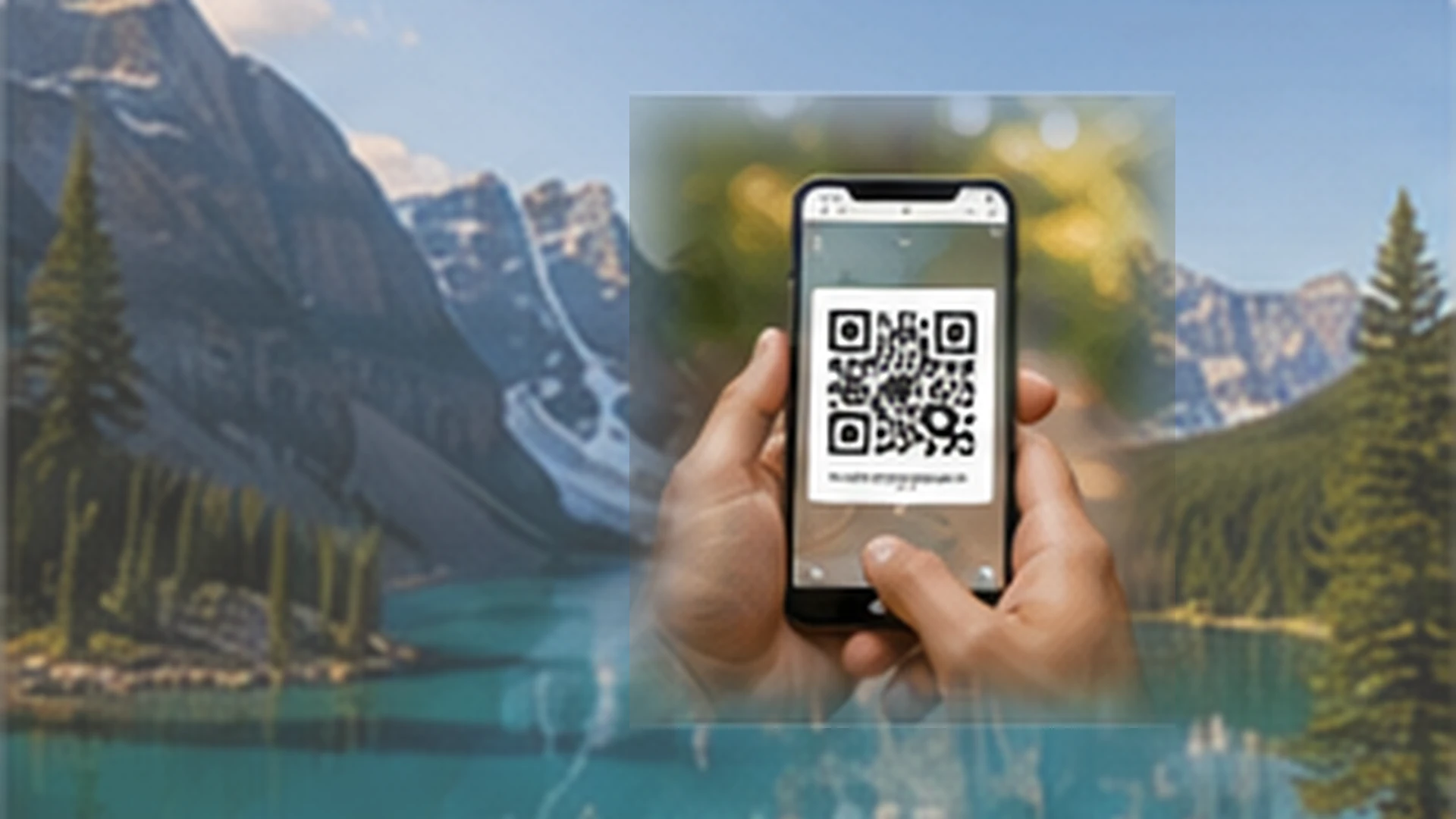
A LifeBook QR can live on a keepsake, photo book, memorial, card, plaque or another meaningful object. A scan takes someone directly to the LifeBook connected to it.
The QR is not the story itself. Photographs, video, voice and chapters remain safely inside the LifeBook, which means they can be updated without replacing or reprinting the physical QR.
Every visit still follows the privacy chosen by the LifeBook owner, whether the story is private, family-only or published for wider viewing.
Already have a physical QR?
Activation securely claims the QR and connects it to the LifeBook you choose. The private activation code is used only once, when the QR is first claimed.
Use your phone camera to open the LifeBook activation page.
Use the separate activation code supplied with the physical QR.
This confirms who is taking ownership of the QR.
Create a new LifeBook or select one that already belongs to you.
The same physical QR can now keep opening that LifeBook as it evolves.
Once it is connected
The QR becomes a simple doorway into the story. What each visitor can see is always controlled by the LifeBook's current privacy settings.
Use it on keepsakes, memorials, photo books, framed photographs, cards, plaques, gifts or memory boxes.
A scan opens the connected LifeBook experience. It never gives a visitor ownership, editing or administrative access.
Add chapters, photographs, voice memories and family contributions later without changing the physical QR.
A life, not a profile
A photograph can show how someone looked. A LifeBook keeps the story around it — the place, the people, the voice, the humour and the small details families never want to forget.
Experience a sample story →Begin gently
Preserve your own life, begin one with someone you love, or create a remembrance together.
Meaningful prompts help uncover the memories behind the dates and photographs.
Bring different voices together while the Story Keeper remains in control of what is published.
The QR remains the same while the LifeBook continues to grow through the years.
A promise to every family
Private by default. Nothing is public until the Story Keeper chooses to publish it.
No invented memories. Technology can help organise, but it never becomes the person.
No advertising inside stories. A family story should feel personal, calm and protected.
Begin with one memory
You do not need every photograph or every date to begin. Start with the person and the first memory that comes to mind.